Recommended
Excel VBA 365 Tutorial
Learn macros, the VBA editor, cells, ranges, procedures, functions, loops, and automation for Microsoft 365 users.
Open Excel VBA 365 tutorial →ExcelVBATutor.com helps students, office users, analysts, teachers, and professionals learn macros, VBA programming, forms, worksheet automation, reporting, and practical Excel problem solving step by step.
Sub FormatMonthlyReport()
Range("A1:D1").Font.Bold = True
Range("A1:D1").Interior.ColorIndex = 35
Columns("A:D").AutoFit
MsgBox "Report formatted successfully!"
End Sub
Pick a tutorial path based on your Excel version and learning goal. Beginners can start with the classic foundation lessons, while Microsoft 365 users can move directly into the modern Excel VBA 365 track.
Learn macros, the VBA editor, cells, ranges, procedures, functions, loops, and automation for Microsoft 365 users.
Open Excel VBA 365 tutorial →Build a strong foundation in VBA concepts before moving into more advanced Excel automation and custom tools.
Open classic tutorial →Use this path if you work with Excel 2010 or older environments and need stable VBA skills for daily office work.
Open Excel VBA 2010 tutorial →Explore practical VBA examples and reusable snippets for real spreadsheet tasks, reporting, data entry, and automation.
Explore Excel VBA examples →The tutorials focus on practical skills that learners can apply immediately in spreadsheets, reports, templates, and office workflows.
Start with the basics, practise with small code examples, then apply VBA to real spreadsheet problems.
Use these entry points when you want to learn a specific skill or solve a practical Excel problem quickly.
Learn how macros can reduce manual work and make spreadsheet tasks faster and more consistent.
Start macro lessons →Understand the core Excel objects that most VBA programs use every day.
Learn VBA basics →Study complete snippets for common spreadsheet automation tasks and adapt them to your own work.
View examples →The free tutorials are ideal for learning online. The books provide a more structured path for readers who prefer a complete reference and guided study format.

A practical VBA title for readers who want to automate spreadsheets, improve workflows, and build stronger Excel solutions.
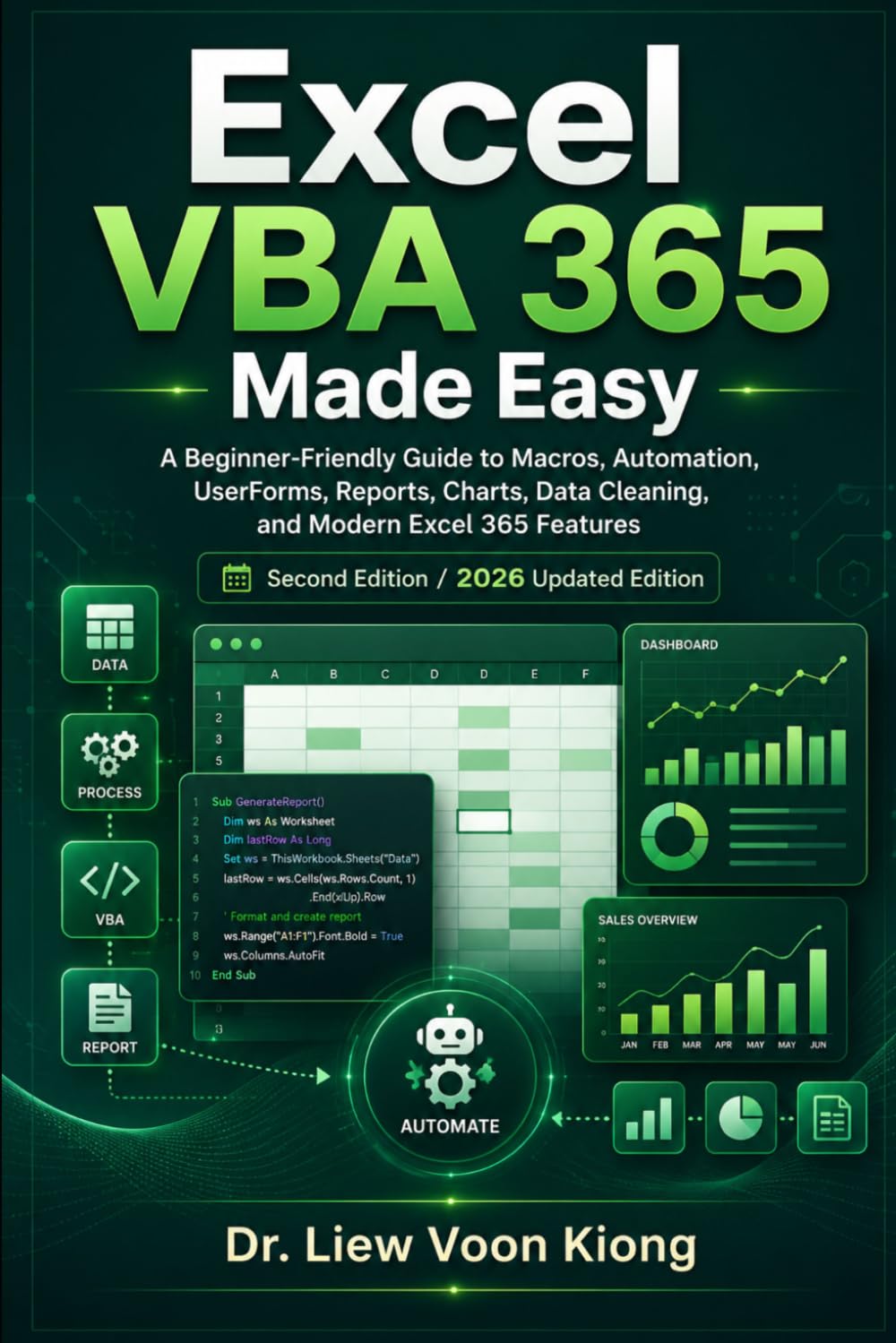
Beginner-Friendly Guide to Macros, Automation, UserForms, Reports, Charts, Data Cleaning, and Modern Excel 365 Features
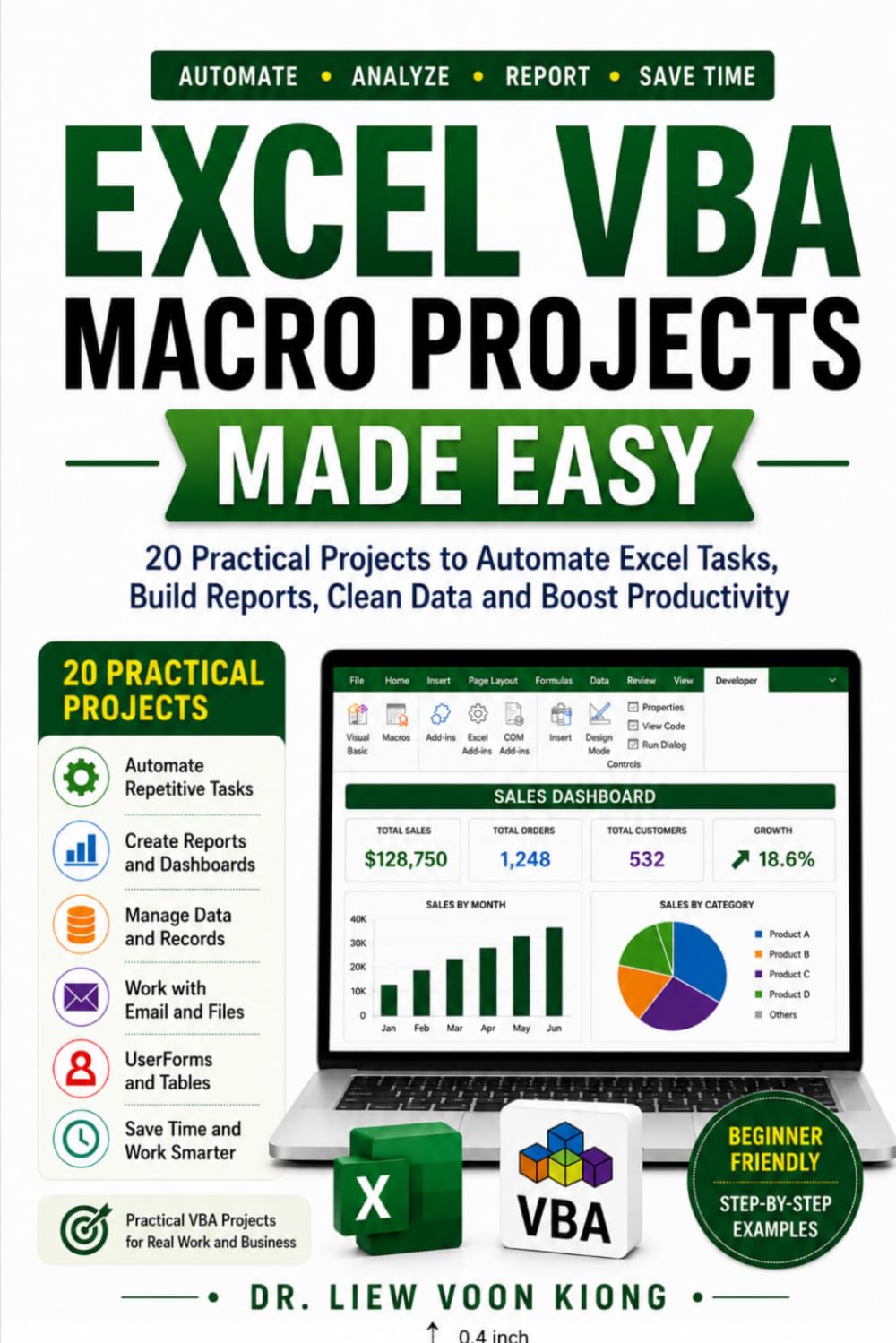
Build Practical Business Automation Tools for Reports, Invoices, Dashboards, Data Cleaning, Email, PDF Export, and Office Workflows

A helpful Excel 365 companion for readers who want broader spreadsheet skills before advancing into VBA and macros.
New to Excel VBA? These quick answers help you choose the right starting point.
No. Start with the beginner lessons, learn small macros first, and build confidence step by step.
Use the Excel VBA 365 tutorial if you use Microsoft 365. Use the classic tutorial if you want a gentle foundation in VBA concepts.
Yes. VBA remains useful for automating repetitive spreadsheet tasks, formatting reports, creating forms, and building custom Excel tools.
Open the Excel VBA Examples section to study reusable code snippets and adapt them for your own spreadsheets.
Begin with the free lessons, practise with examples, and use VBA to automate the spreadsheet tasks you repeat most often.